index

Get started with your Research subscription

Kristoffer Jensen

Thank you for purchasing Skyen Research; thank you for choosing a better indoor climate for yourself and your surroundings.

With SKYEN Research, you get 3 years of data storage, access to a dedicated dashboard where you can gain insight into your indoor climate data, data export in CSV and Excel, and email alerts.

What is SKYEN?

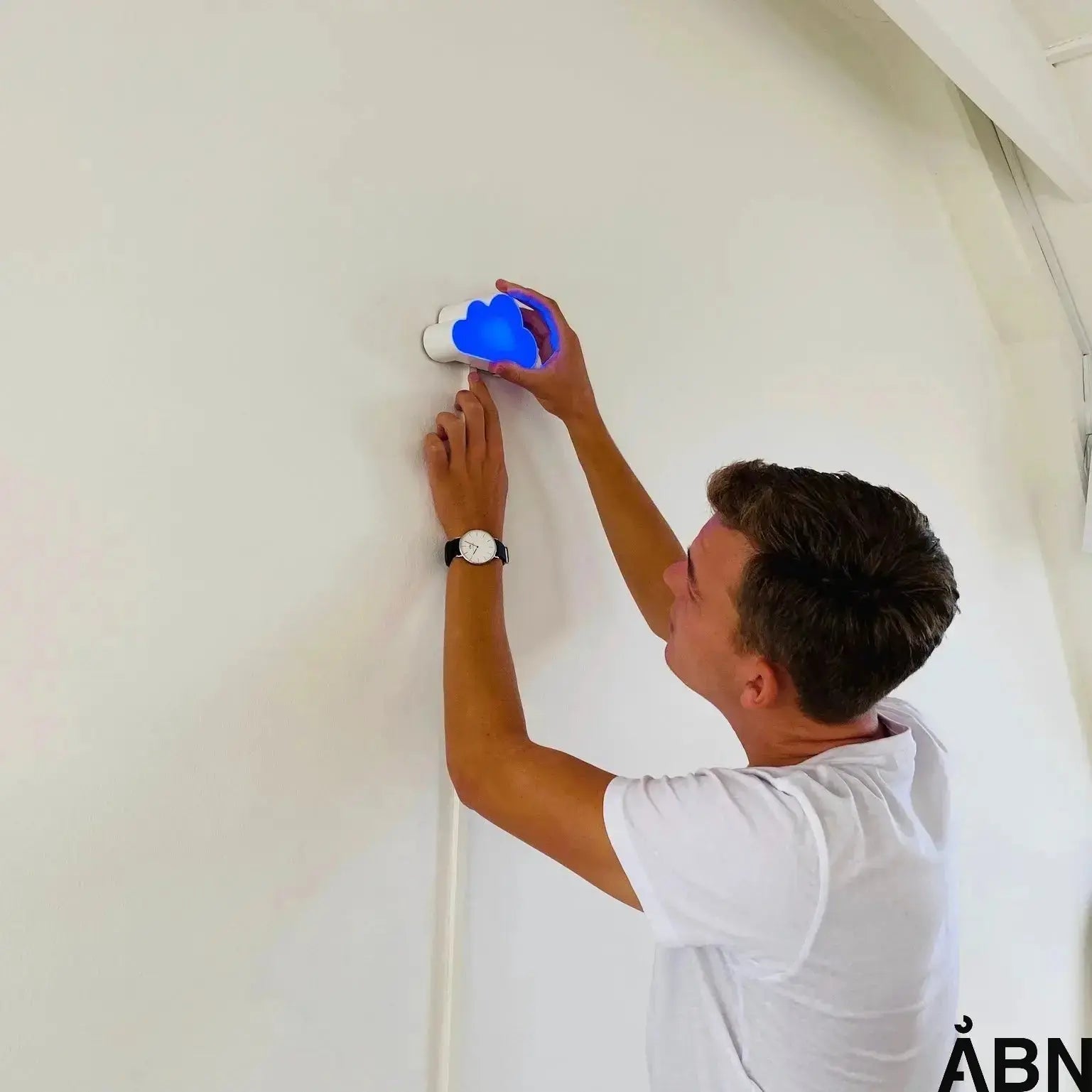
SKYEN is ÅBN's indoor climate sensor, which measures your indoor climate and gives you a quick overview at a glance.

What does SKYEN measure?

SKYEN records five important factors:

  • CO₂
  • Temperature
  • Humidity
  • Light level
  • TVOC
  • Sound level

What does the light mean?

SKYEN uses a discreet colored light to indicate the CO₂ level in the room:

  • Blue light: CO₂ is below 1,000 ppm → the air is fresh.
  • Red light: CO₂ is above 1,000 ppm → ventilate within approx. 30 min.

When CO₂ drops below 800 ppm, the light turns blue again.

Video Guide

Watch the video below, where we go through the entire process in under 6 minutes.
Sit back and follow along at your own pace.


How to register SKYEN

1. Before you begin

Make sure:

  • That SKYEN is mounted on the wall in the room it needs to measure.
  • That you have received login credentials from Onboarding@aabn.io
    Missing login? Contact us – and we will activate you.
  • That your phone or tablet has internet and a camera.

2. Scan the QR code and log in

  • Open the camera on your phone/tablet.
  • Scan the QR code under SKYEN.
  • Log in with your Senti credentials on the registration page.

3. Confirm the device

  • You will now see the device number (e.g., SKYEN 00043).
  • Check that the number matches the number on the underside of your device.
  • Press "Confirm".

4. Select building and room

  • Select the building where the device is located.
    (It is usually pre-filled.)
  • Enter a room number that does not change over time.
    (e.g., “2.13” instead of “Meeting Room”).
  • Add a short description of the room
    (e.g., “Meeting Room”, “4th grade”, “Office”).

If you have multiple devices, repeat this process, press "Add another device" and scan the next QR code. After 10–20 minutes, the device can start sending data. Scan the QR code on the blue sign to open your data overview. Here you can see all measurements from your indoor climate.

Indoor Climate Label

The indoor climate affects our health, well-being, and concentration, but it can be difficult to assess its actual condition.

ÅBN's indoor climate label makes it easy. It provides an overall rating from A (very good) to G (very poor), so you can quickly see how your indoor climate performs.

Blue areas indicate a good indoor climate.
Red areas should be improved, as they can affect health and well-being.

Read more about the different parameters here

Your package also includes

Help and Support

If you experience any problems or have questions, you are always welcome to contact us via our chat, at hello@aabn.io or by phone. 

Thank you for using SKYEN! We hope you benefit from the improved insight into your indoor climate. 

Hinterlassen Sie einen Kommentar

TODO

Ähnliche Artikel

Sie haben weiterhin Interesse an Informationen zu Ihrem Raumklima? Finden Sie unten ähnliche Artikel oder entdecken Sie hier unser gesamtes Raumklima-Universum:

How to prevent high noise levels at school
Belysning

How to prevent high noise levels in schools. Learn about reducing noise in schools through acoustic improvements, legislation and technological solutions.
How to prevent high noise levels in the workplace
Belysning

Noise in the workplace is more than just annoying; it affects our concentration and productivity. Learn how to prevent noise in the office for a better working environment.
How to prevent high CO2 levels in the workplace
CO2

High levels of carbon dioxide in the indoor environment can lead to fatigue, difficulty concentrating and lower productivity. Read about how you can effectively prevent CO₂ in the office and contribute to climate goals.