index

Welcome to a healthier indoor climate with SKYEN

We are glad that you want to create better conditions for well-being and concentration. Below you will find everything you need to get off to a good start.
a man holding a baseball bat in his hand

Step 1: Physical installation of THE CLOUD

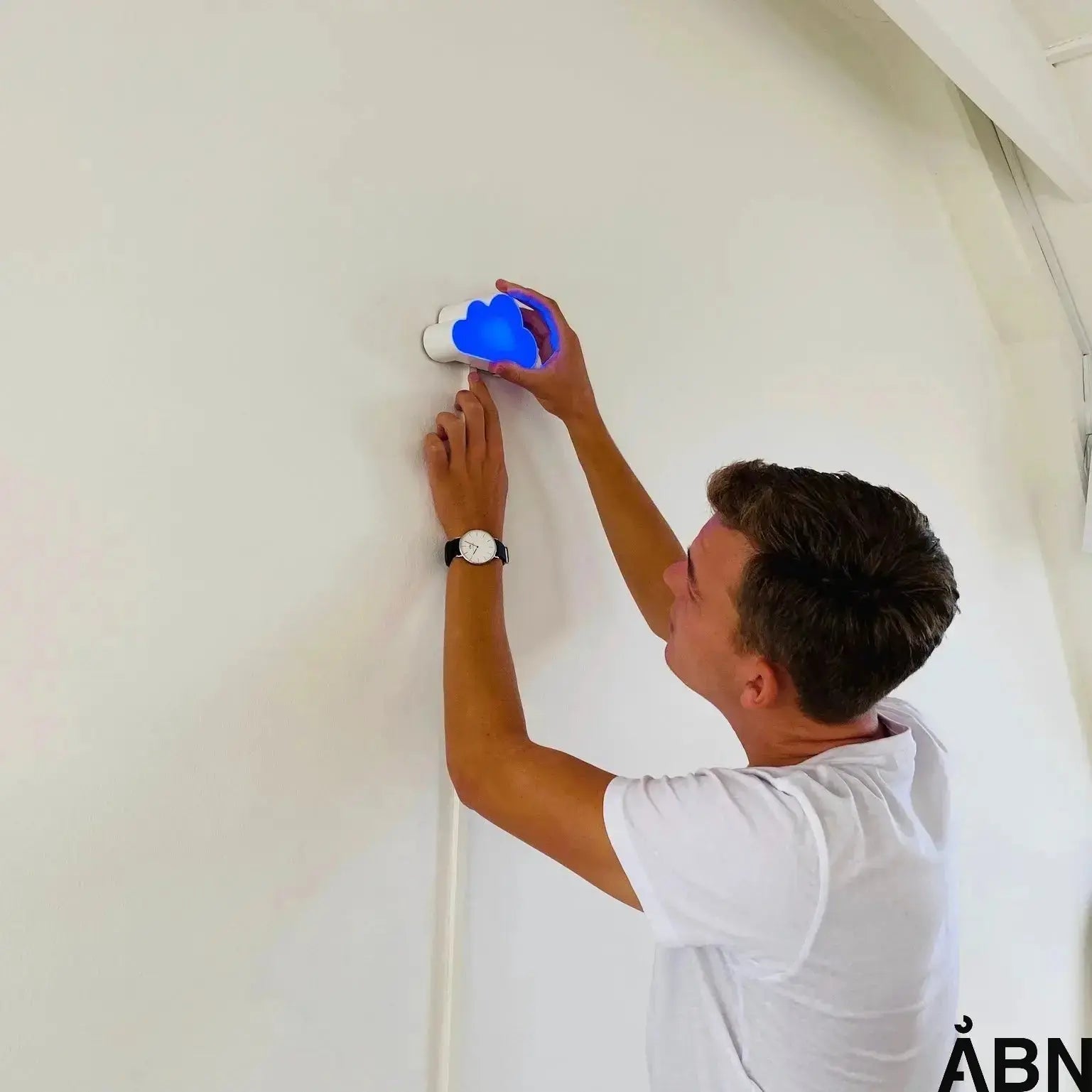
It only takes 2 minutes to install your indoor climate sensor. Here are the four most important things to remember:

Height is crucial

Mount SKYEN at a height of 1.5 - 2 metres (eye level). This is where humans breathe in the air and where the sensor measures most accurately.

Find the right wall

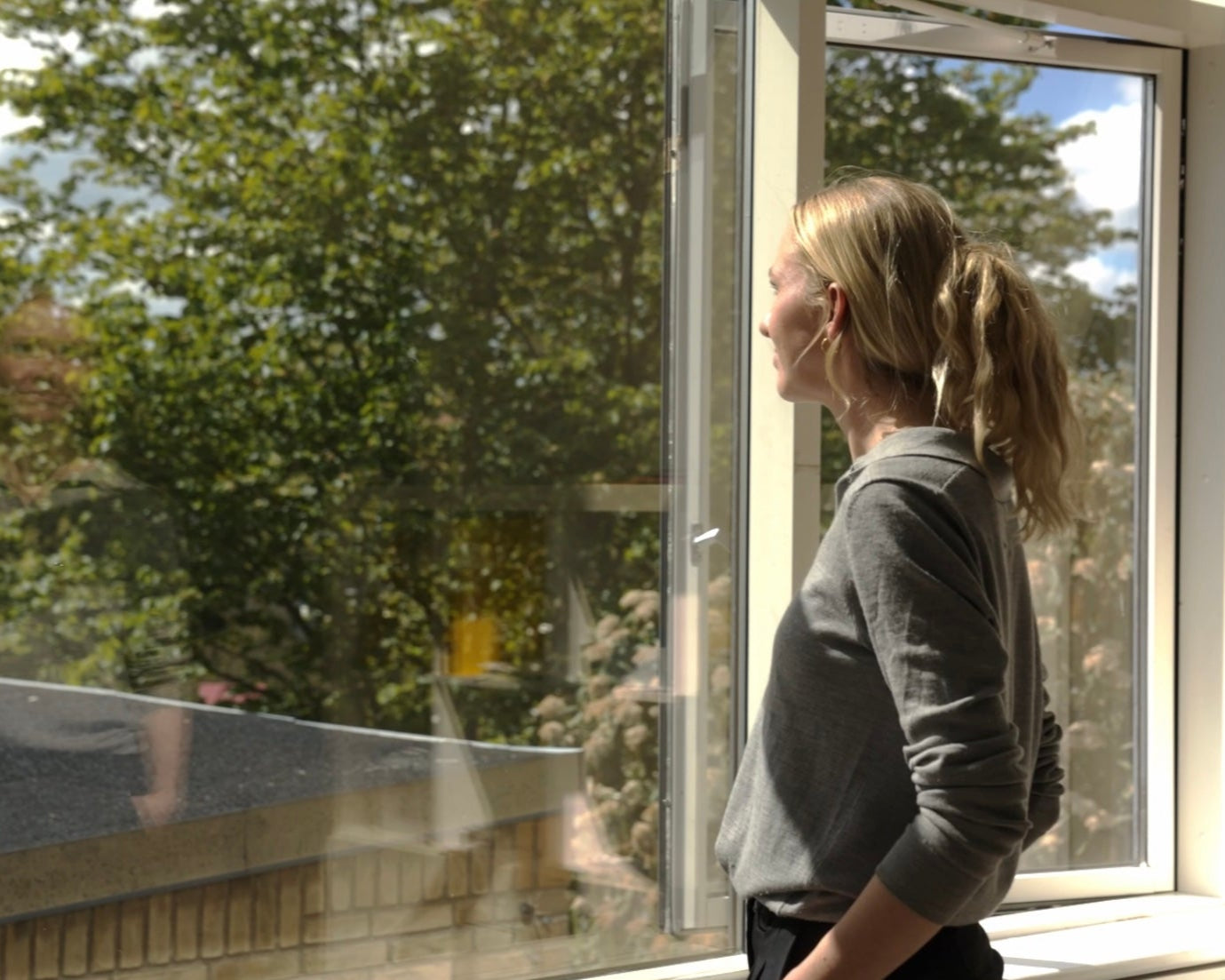
Avoid placing it in direct sunlight, near open windows, ventilation inlets, and radiators. These can skew the measurements.

Power up

Connect the included power supply. The SKY will light up as soon as it receives power and will begin its calibration process.

Auto-Calibration

Your SKYEN sensor calibrates itself. Therefore, allow it 24 hours to calibrate its sensors for the most accurate measurements.

Step 2: Which subscription did you choose?

Choose your plan below to view the specific guide for your data setup.

Optimize

For those who want a quick overview and action.

Get started with Optimize

Research

For those who want to delve into data and trends.

Get Started with Research

Pro

The complete solution for professional fleet management.

Get Started with Pro
SKYEN abonnement Åbn

Data subscriptions to the CLOUD

29,00 DKK (eksklusiv moms)

Haven't subscribed yet?

Get full access to your data, history, and smart notifications. Make your SKYEN even more powerful with a software package that suits your needs. (Requires installation of sim card in your device)

Read about subscriptions

Step 3: To your colleagues

Should your colleagues join too?

Here you can find a guide that you can send directly to your employees so they know how to read SKYEN's signals and respond to them.

Step 4: Learn more in our help centre

Frequently asked questions

That's completely normal!

When SKYEN is turned on for the first time, the sensors need to "wake up" and calibrate themselves to the air in the room.

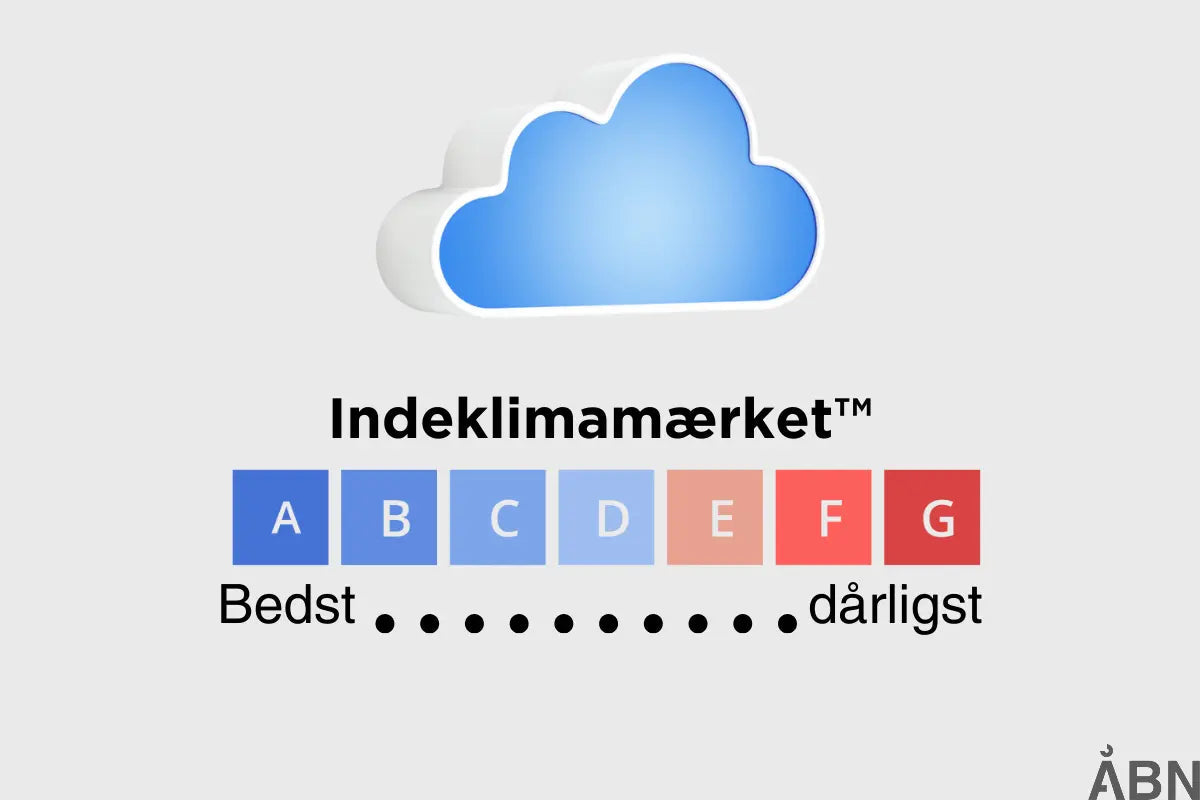
It can take up to 5-10 minutes before it shows the completely accurate air quality. If it's still glowing red after fifteen minutes, it's time to ventilate!

Yes. To provide you with real-time and historical data in your dashboard, the SKY unit must be connected to a power source using the supplied cable. It does not have a built-in battery, as this would limit its ability to measure accurately and continuously.

Absolutely! SKYEN is designed to be flexible. The most important thing is not the surface, but the height (approx. 1.5 - 2 metres) and that it is not hidden behind a plant, a cupboard, or a curtain where the air does not circulate freely.

Yes, of course. Our vision is to make data accessible to everyone. Therefore, all newer SKYEN devices (version 2.01 and onwards) have a physical data output. Read more here about how you can extract data from your device.

Do you need help?

Our support team is ready to help you if you're experiencing technical issues or have questions about your data.

You are also welcome to reach out to us via the chat in the bottom left corner, by email: hello@aabn.io, or by phone: +45 40130705